Free for Central Ohio businesses
If your IT provider closed tomorrow, would your business keep running?
Book a free 30-minute MSP Continuity Check. We'll confirm who holds your admin passwords, whether your backups actually restore, and who controls your Microsoft 365, before you ever need to know.
- Serving businesses since 2007
- Columbus office, 21 E State St
- 24/7 help desk
- Most tickets resolved same day



What we check in 30 minutes
The four things that decide whether an IT provider change is a hiccup or a crisis.
01
Admin access
Who holds the global admin, domain, firewall and Wi-Fi logins, and whether your company owns them.
02
Backups
Where your backups live, who pays for them, and when a restore was last tested.
03
Microsoft 365 & licences
Your partner of record, licence renewal dates, and which outside partners still have access.
04
Security basics
MFA, email filtering, and remote-access tools a previous provider may have left installed.
You leave with a one-page report
Each area gets a simple red, amber or green rating and the next step to fix it. Keep it, act on it yourself, or share it with any IT provider. It's yours either way.
If you decide to move, here's how it works
A typical transition to Sequentur for a 10–200 person business.
Week 1
Discovery
We document every system, login and licence, with or without help from your old provider.
Weeks 1–2
Secure the keys
Admin accounts move to your company's name, passwords are rotated, old access is closed.
Weeks 2–4
Transition
Monitoring, backup and security tools go in; Microsoft licences move with no service gap.
Review
Day 30
We walk you through what we found, what we fixed, and your IT plan for the year.
The 10-point “if your IT provider closes” checklist
Download the one-page PDF, or work through it here.
-
Create a second Microsoft 365 global admin account owned by your company.
-
Find out who your Microsoft partner of record and licence reseller is.
-
Log in to your domain registrar yourself and turn on auto-renew.
-
Get firewall and Wi-Fi admin credentials into your own password vault.
-
Confirm where backups are stored, who pays, and test a restore.
- List every tool your provider installed on your computers.
-
Get your network diagram and asset list. You paid for them.
-
Read your contract's exit clause: notice period, data handover, fees.
- Make sure MFA is on for every email and admin account.
- Know who you'd call at 2 a.m. if everything went down.
Book your Continuity Check
30 minutes by phone or Teams. No obligation to switch.
Recent Reviews
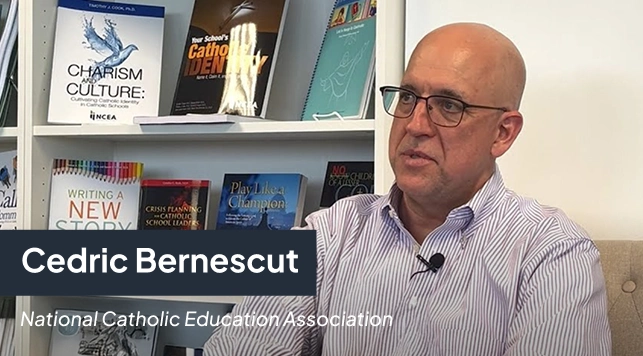

“I can actually take time off... and know there is someone there to handle the technical support issues for my staff.”
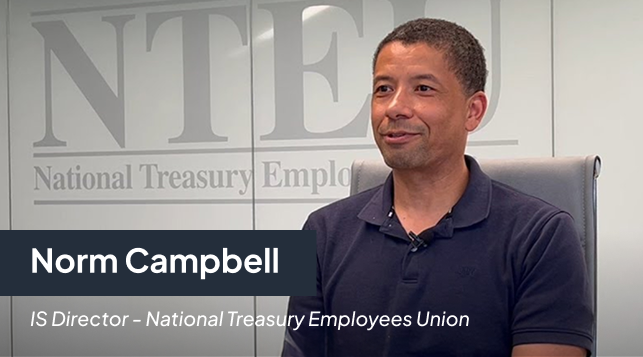
“We had an attempt on our network, I was asleep, my network engineer was asleep but Sequentur was there to watch over and protect us and I’m truly grateful for that.”
Get the Best IT Support
Backed by Certifications and Results